AT A GLANCE
The product in context.
A travel router can give your laptop and other gear one familiar local network while you change where you stay. The TL-WR1502X needs a working upstream connection, so the value depends on what internet access is available at your destination.
This is a researched editorial overview based on the linked manufacturer information. This product is not in the owner’s collection and has not been tested by GadgetsBag. Pros, cons and the assessment are provisional, not firsthand findings.
A CLOSER LOOK
Photo gallery.
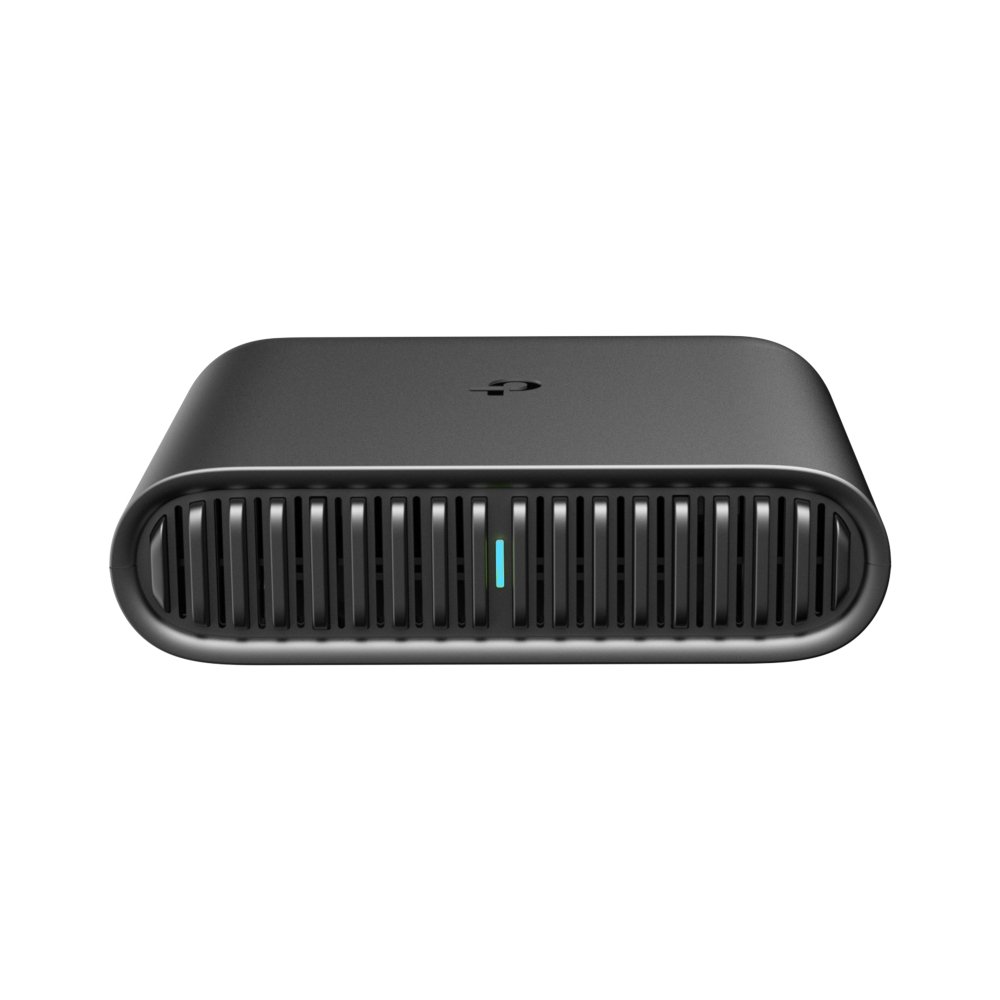
Image 1 of 4
Choose a thumbnail, then tap the large photo to enlarge it. Use the viewer arrows or swipe to explore. Product imagery is credited to its source.
THE PUBLISHED DETAILS
Product specifications.
- Model
- TL-WR1502X
- Wireless
- Wi-Fi 6. Published link rates up to 1,201 Mbps at 5 GHz and 300 Mbps at 2.4 GHz.
- Wired ports
- One Gigabit WAN and one Gigabit LAN
- USB
- One USB 2.0 port and a separate USB-C power input
- Supplied power adapter rating
- 12 V / 1.5 A
- Selected modes
- Router, hotspot, access point and phone tethering
Source: Manufacturer specifications and feature notes ↗. Manufacturer or listing claims are not our measurements. Check the exact regional variant.
THE PRACTICAL PERSPECTIVE
Overall review.
Start with the internet connection you have
Think through your main scenario, such as Ethernet at a rental or authorised access to accommodation Wi-Fi. The router distributes an existing connection. It has no built-in mobile data service.
Practise the setup before relying on it
Try the mode you plan to use before departure. Guest networks with a browser sign-in or device restrictions can behave differently, so keep a fallback for important calls.
Check the power source
The USB-C power socket makes the plug easy to recognise. Use the supplied adapter or verify the output profile of a compatible charger or power bank before packing it as your only power source.
WEIGH THE TRADE-OFFS
Pros & cons.
Based on published features and editorial assessment; not test results.
Pros
- Gigabit WAN and LAN ports in a compact unit
- Multiple ways to connect to an existing upstream network
- USB-C power input
Cons
- Requires an upstream connection
- Guest-network restrictions can affect setup
- Headline Wi-Fi rates do not indicate internet speeds
Who is it for?
Worth considering for
- Travellers working across multiple devices
- People who can test their intended connection and power setup
Think about first
- Permission and sign-in requirements for guest Wi-Fi
- Power adapter and cable space
- A fallback for time-sensitive work
THE TAKEAWAY
Our assessment.
This is a useful format to consider for a multi-device stay if you know what upstream connection you will have. Practise connecting and keep a backup for the calls that matter.
Provisional assessment · Hands-on testing pendingWhat we still need to test.
These checks will help turn the initial assessment into a hands-on review.
- Setup using Ethernet, hotspot and tethering
- Behaviour on guest networks with a sign-in page
- Range and throughput in a documented setup
Read our editorial policy.